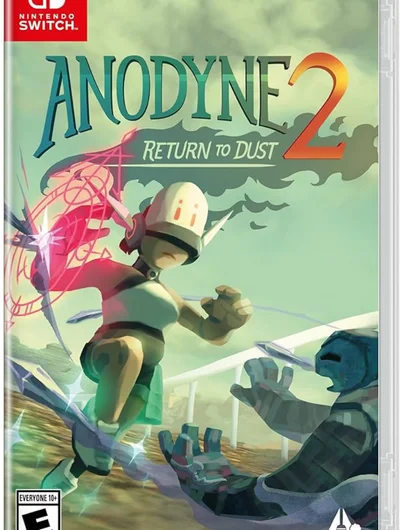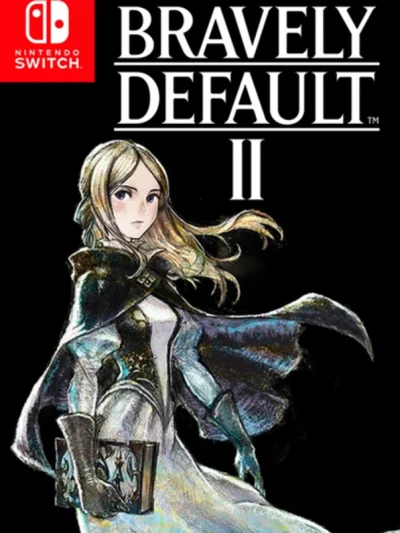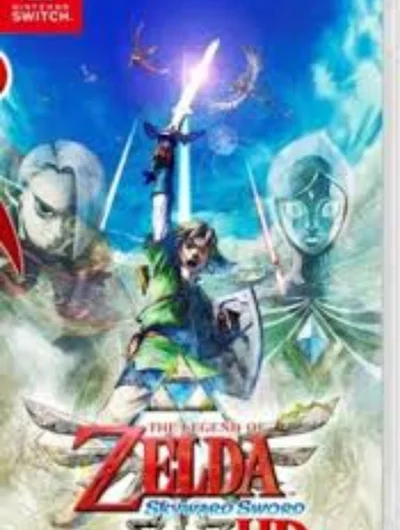
Screenshots
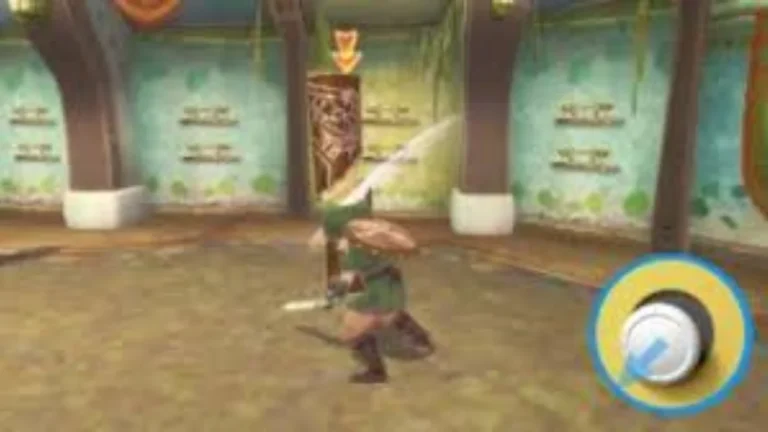
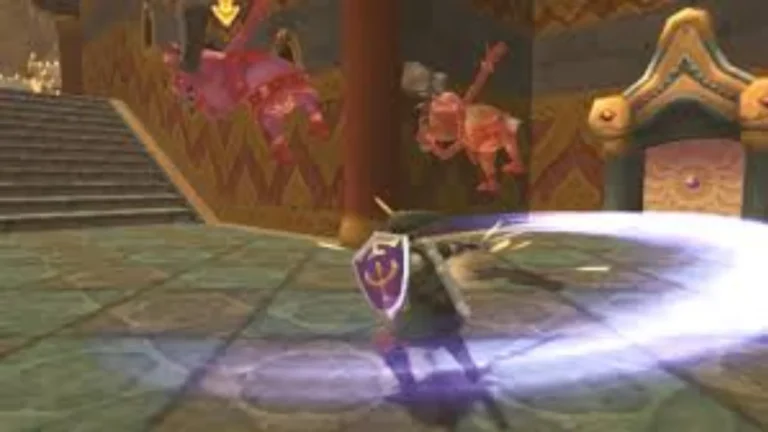
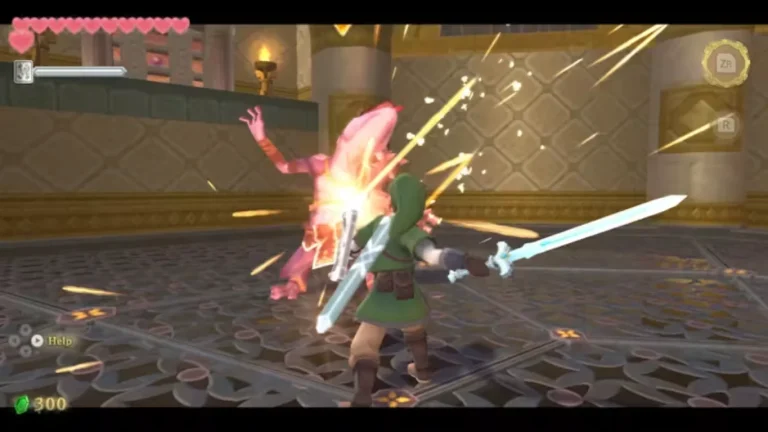
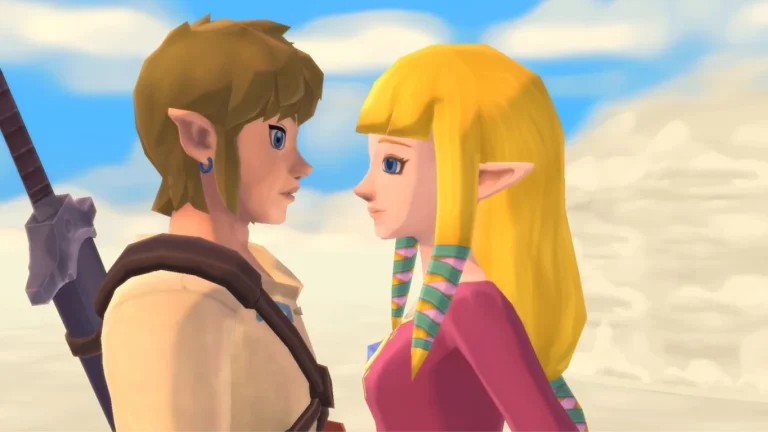
The Legend of Zelda: Skyward Sword HD is an action-adventure game from Nintendo, released on July 16, 2021. It is a remaster of the 2011 Wii game and follows Link, a young knight in training who lives on the floating island of Skyloft above the clouds. When his childhood friend Zelda is taken to the dangerous surface world below, Link follows her with the Goddess Sword in hand.
Gameplay is built around precise sword combat, where swings follow the angle of the player’s input, using either Joy-Con motion controls or the new button-only controls with the right stick. Between story dungeons, players fly across the sky on a Loftwing, explore the regions of the surface, solve puzzles with items such as the Beetle and the Gust Bellows, and upgrade their gear with collected materials.
About Nswpedia.io
Nswpedia.io gives Nintendo Switch players clear game overviews, gameplay details, release dates, screenshots, and setup guides, all in one place. Every page is written in simple words and kept up to date, so you always know what to expect before you play.
⚠️ Disclaimer: This page is for general informational purposes only. All game related copyrights, trademarks, and intellectual property rights belong to their respective owners. Please make sure that your use of this content complies with applicable laws and respects the rights of the respective owners.