Game files information
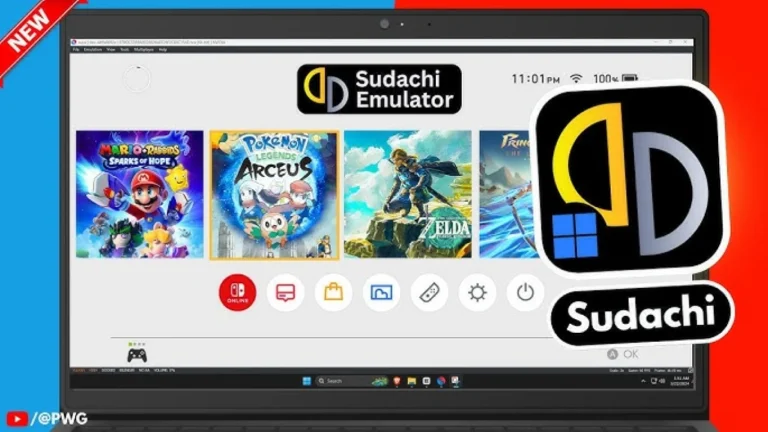
App name:Sudachi Switch Emulator
Version:1.0.13
Format:NSP
Required Firmware:None
Size:60 MB to 100 MB
Language:
English
Badge:
—
Release Date:November 2024
Title ID:0100000000001000
Join Our Telegram Group
Get instant updates on new games, request your favorites, and connect with other Switch fans!
Description:
Sudachi Switch Emulator, such as Yuzu and Ryujinx, has made Switch emulation a flourishing field in recent years. These emulators recreate the Nintendo Switch ‘environment’, so you can play your favorite Switch games without having the Switch console. Thanks to computers’ superior hardware capabilities, the gaming experience is often enhanced.
It might be argued that Switch emulators do not necessarily infringe on copyright, but many have made the connection that they are illegal because of Nintendo’s reasons. 2024 was a sad year as Yuzu and Ryujinx, the two best Switch emulators, were forced to end their development. You can still use these emulators, but there won’t be any future updates – a critical issue for emulators that need to keep pace with new games and system updates.
Sudachi Switch Emulator
About Nswpedia.io
Nswpedia.io gives Nintendo Switch players clear game overviews, gameplay details, release dates, screenshots, and setup guides, all in one place. Every page is written in simple words and kept up to date, so you always know what to expect before you play.
⚠️ Disclaimer: This page is for general informational purposes only. All game related copyrights, trademarks, and intellectual property rights belong to their respective owners. Please make sure that your use of this content complies with applicable laws and respects the rights of the respective owners.
Download
Your link is almost ready, please wait a few seconds...
Installation Instructions
There is no difference between NSP and XCI formats — both run exactly the same on any Nintendo Switch emulator. Your downloaded Sudachi Switch Emulator file is in NSP format.
To play on an emulator, open your emulator, go to File → Load File (or drag and drop), and select the downloaded NSP file.
Ensure your emulator has at least Firmware None installed before launching Sudachi Switch Emulator.
The direct download link may occasionally be slow or unavailable due to high traffic. If it fails, please wait a moment and try again.