Screenshots
Description:
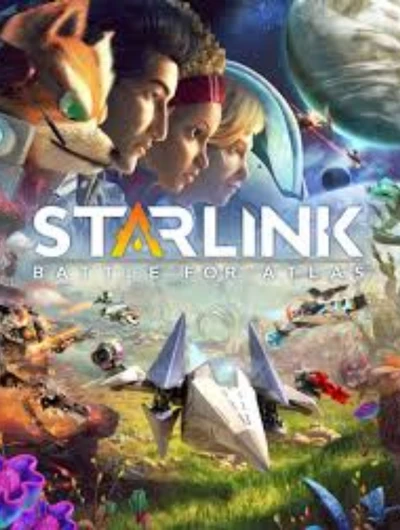
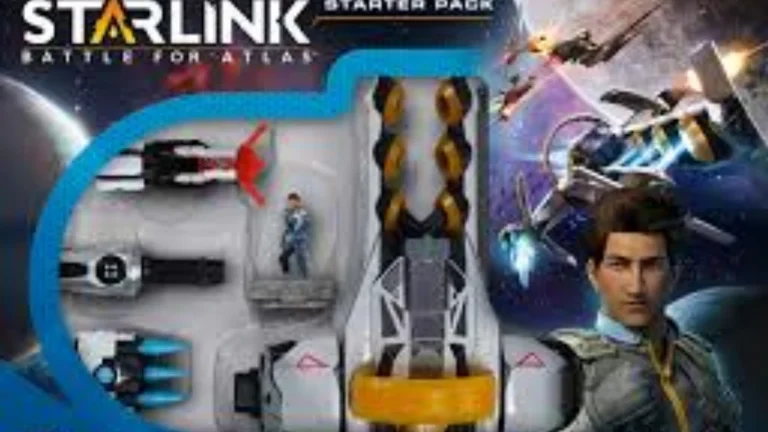
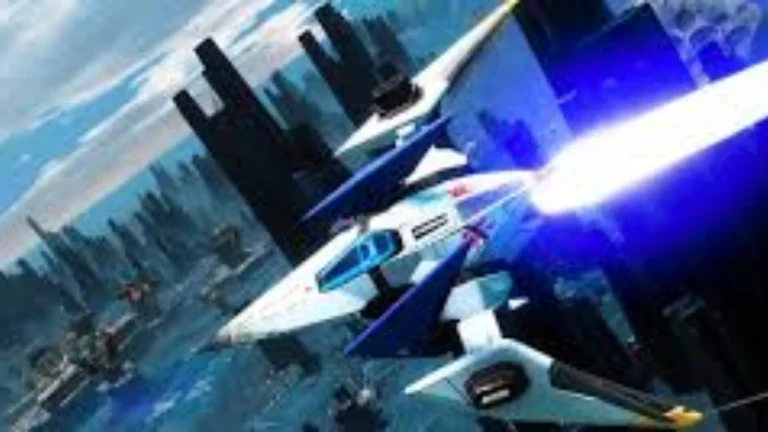
Starlink: Battle for Atlas is an action-adventure video game developed by Ubisoft Toronto and released by Ubisoft. It was first published on the Nintendo Switch on October 16, 2018, PlayStation 4 on October 18, 2018, and Xbox One on October 18, 2018; and later on April 30, 2019, for Microsoft Windows. There are also optional toys to add life to the game. The film didn’t sell as well as expected, but it was given generally favorable reviews by critics.
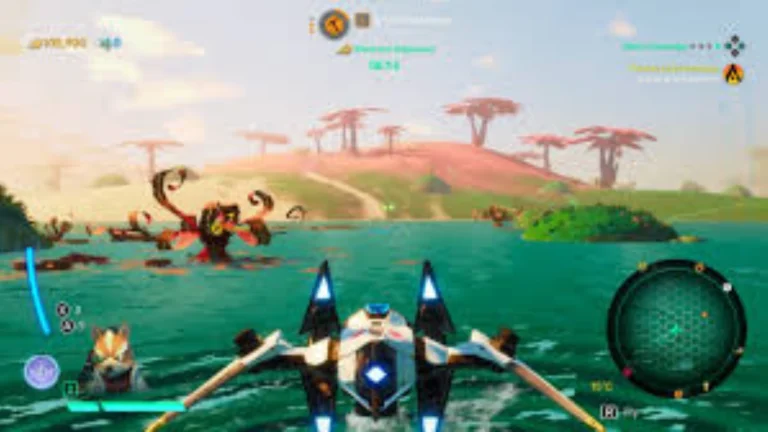
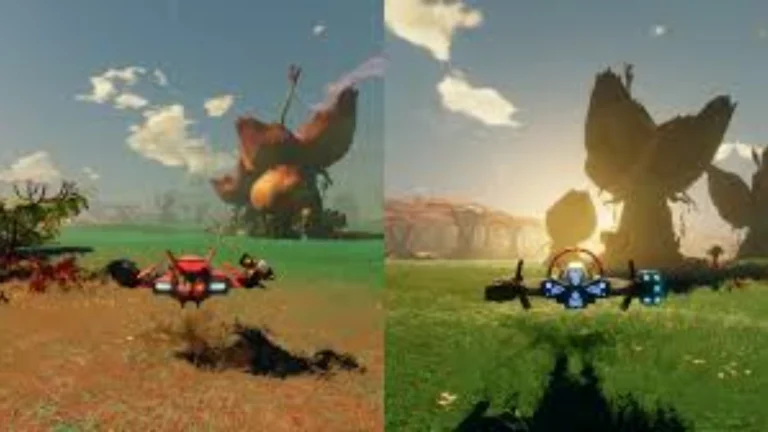
Starlink is an open-world/open-galaxy game, where players can fly a diverse range of starships. It is like No Man’s Sky, where you can leave a planet at any time, travel around the star system at your disposal, and pretty much wander around a star system freely. But it neglects a lot of other aspects,s such as the survival aspects and crafting. Rather, it requires players to take action in the game while maintaining their ability to move about.
About Nswpedia.io
Nswpedia.io gives Nintendo Switch players clear game overviews, gameplay details, release dates, screenshots, and setup guides, all in one place. Every page is written in simple words and kept up to date, so you always know what to expect before you play.
⚠️ Disclaimer: This page is for general informational purposes only. All game related copyrights, trademarks, and intellectual property rights belong to their respective owners. Please make sure that your use of this content complies with applicable laws and respects the rights of the respective owners.