Screenshots
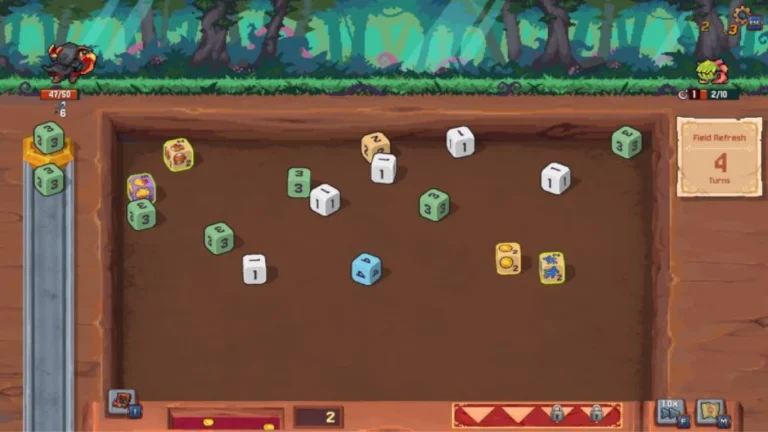
Description:
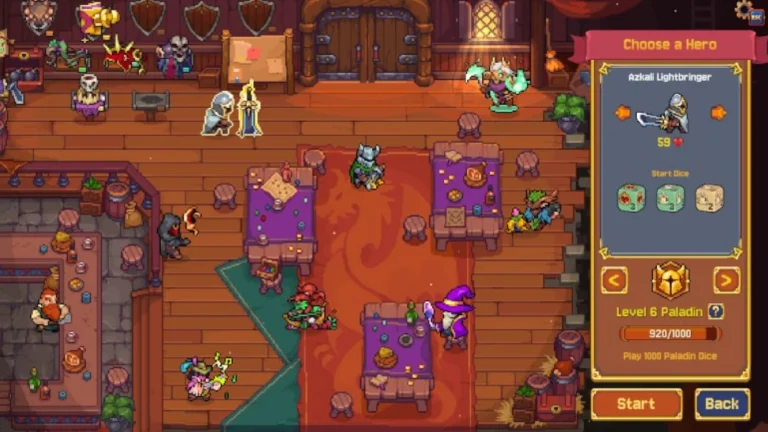
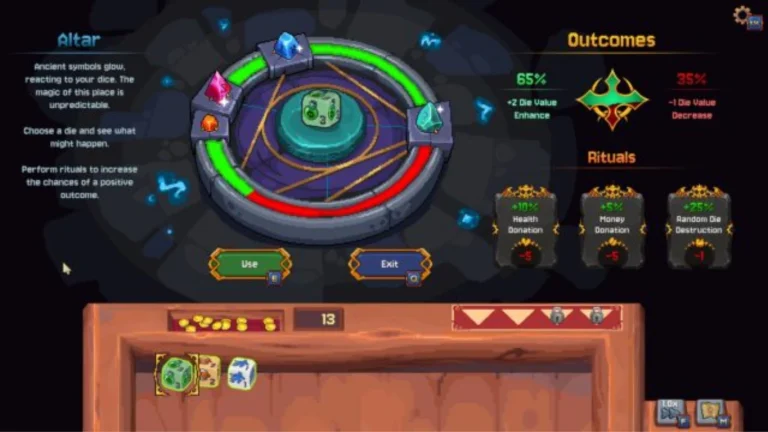
Rune Dice has you play with dice (I mean… obviously), each die has the same face on all sides, so it isn’t about the luck of the throw. Rather, the action is more akin to billiards, but with the added element of throwing a die into other dice that are spread out on the play field. You’re with me up to this point, right? Great! If two identical numbered dice collide, they merge to become one,e and when they do, it launches into the air, is pulled by any other identical numbered die on the play board (if present). Hopefully, it will get there, me,rge, and continue the process.
Send dice flying on magical battlefields with realistic physics! Matching dice combine to form a stronger dice that finds its match and unleashes crippling chain combos. Think strategically about each throw – every throw can spawn huge combos that eliminate entire enemy waves or prepare for future plays. Learn to aim and predict accurately and precisely, and enjoy the powerful fusion of mysticism and dice!
About Nswpedia.io
Nswpedia.io gives Nintendo Switch players clear game overviews, gameplay details, release dates, screenshots, and setup guides, all in one place. Every page is written in simple words and kept up to date, so you always know what to expect before you play.
⚠️ Disclaimer: This page is for general informational purposes only. All game related copyrights, trademarks, and intellectual property rights belong to their respective owners. Please make sure that your use of this content complies with applicable laws and respects the rights of the respective owners.