Screenshots
Description:
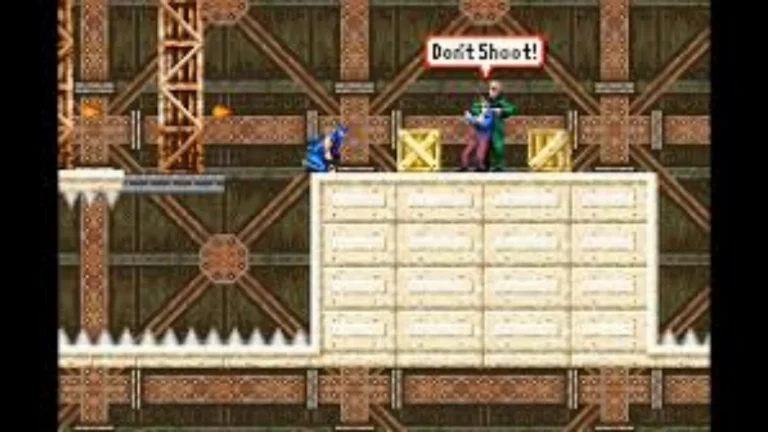
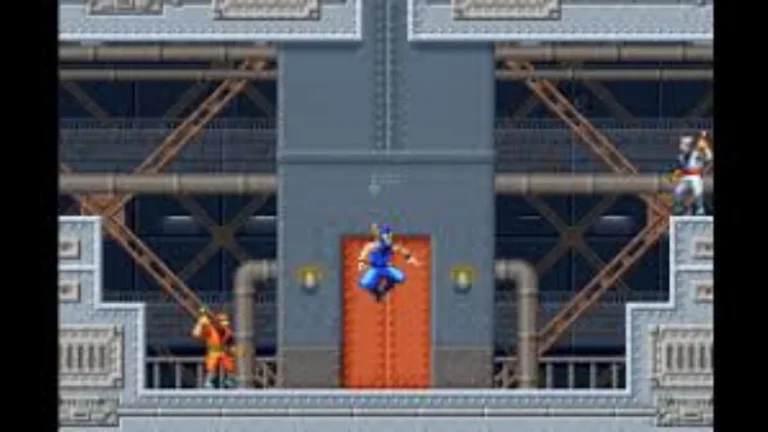
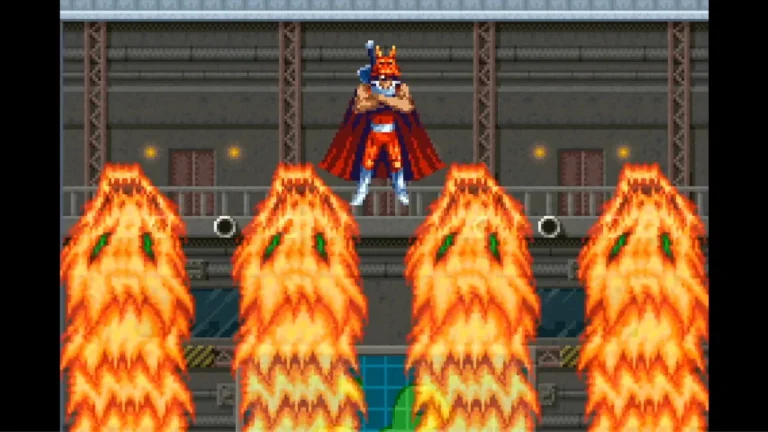
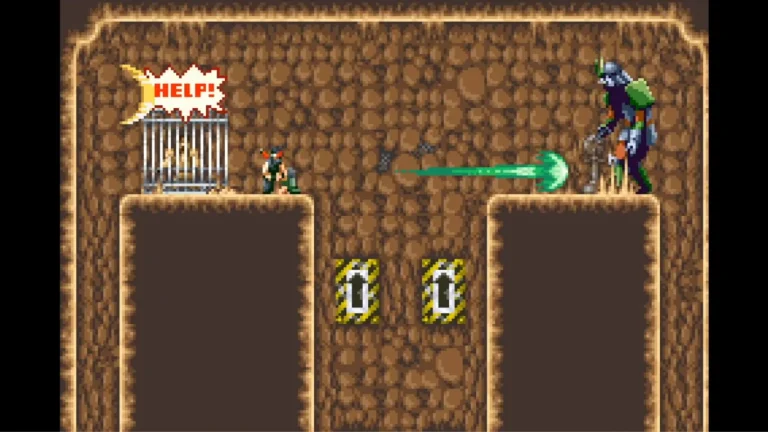
Ninja Five-O, you’re going to need each single of them. Enemies are not to be underestimated, and will take evasive action, hide behind crates, etc., and may even use someone else as a human shield. Knowing what’s the best way to handle each opponent is crucial – if you’re going to run at them with all guns blazing, you won’t be there long. The stealth option is typically the best one, because enemies will only attack if they’re in your line of sight.
By picking up one of the weapon upgrades scattered throughout each stage, you’ll be able to turn your pitifully weak Shuriken into a much more potent fireball attack; two upgrades will give you that cool laser beam. Taking damage causes your weapon to be downgraded again, so watch out! There’s also a special meter which fills up with each kill. Once it reaches its maximum, it will have access to a deadly special attack which will destroy all the enemies on screen.
About Nswpedia.io
Nswpedia.io gives Nintendo Switch players clear game overviews, gameplay details, release dates, screenshots, and setup guides, all in one place. Every page is written in simple words and kept up to date, so you always know what to expect before you play.
⚠️ Disclaimer: This page is for general informational purposes only. All game related copyrights, trademarks, and intellectual property rights belong to their respective owners. Please make sure that your use of this content complies with applicable laws and respects the rights of the respective owners.