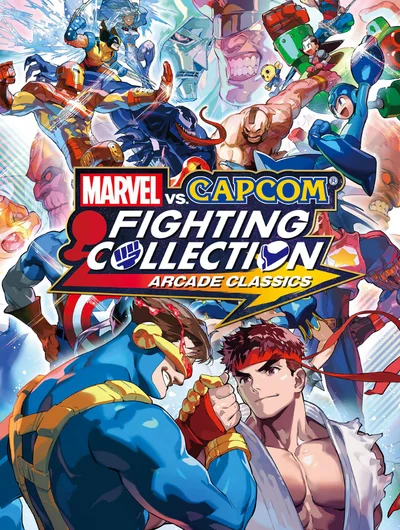
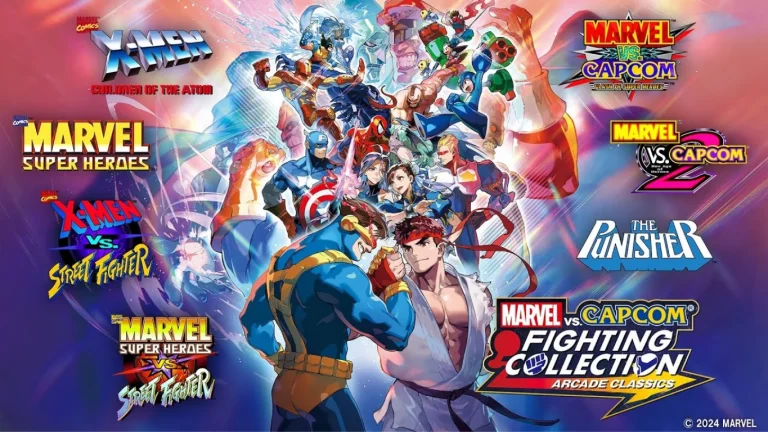
MARVEL vs CAPCOM Fighting Collection Arcade Classics

MARVEL vs CAPCOM Fighting Collection Arcade Classics

1.0.4

NSP

Rates:
Rate this post
Game files information
App name:MARVEL vs CAPCOM Fighting Collection Arcade Classics
Version:1.0.4
Format:NSP
Required Firmware:18.1.0+ Atmosphere 1.7.1
Genre: Fighting
Size:3.2 GB
Language: En, Es, Pt, Fr, De, It, Ru, Ko, Zh, Tw
Badge: —
Published by: —
Release Date:september 12, 2024
Title ID:010069301E220000
Rating:
Rate this post

Join Our Telegram Group

Get instant updates on new games, request your favorites, and connect with other Switch fans!

Join Now

Screenshots

Screenshot 1
Screenshot 2
Screenshot 3
Screenshot 4

Description:

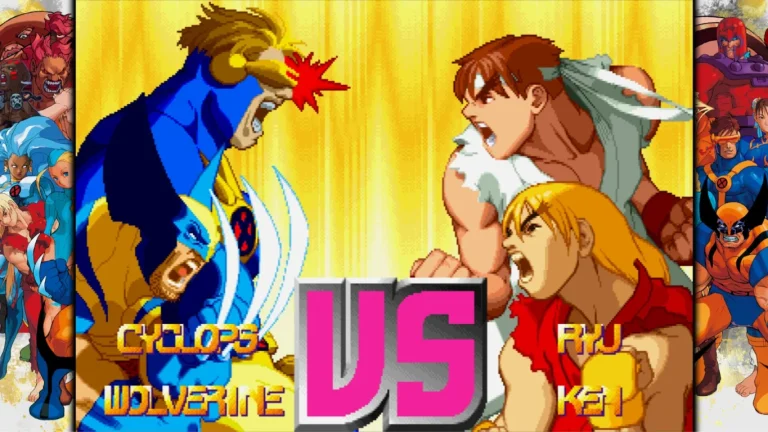
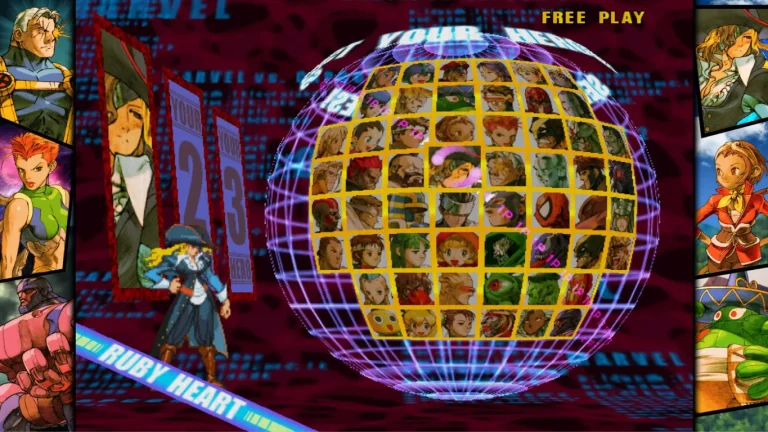
Ultimate Marvel vs Capcom Fighting is an upgraded version of the Marvel vs. Capcom 3: Fate of Two Worlds game. In addition, it includes a new feature known as X-Factor which can temporarily boost characters’ abilities and increase winning rates. This game introduces 12 new characters. The original game features Marvel and Capcom characters from which players can choose. They can be well-known heroes and villains. The game has an online and offline option. The Offline mode has Arcade, Versus and Missions.

The online mode lets them play a match against friends or strangers, and demonstrate all their skills. Each character has a unique storyline in Arcade mode. The game is played in a team of 3 players, who compete in 6 battles. The final boss is Galactus. Character-specific endings to unlock motivations and extras after defeating Galactus.

About Nswpedia.io

Nswpedia.io gives Nintendo Switch players clear game overviews, gameplay details, release dates, screenshots, and setup guides, all in one place. Every page is written in simple words and kept up to date, so you always know what to expect before you play.

⚠️ Disclaimer: This page is for general informational purposes only. All game related copyrights, trademarks, and intellectual property rights belong to their respective owners. Please make sure that your use of this content complies with applicable laws and respects the rights of the respective owners.
Installation Instructions

There is no difference between NSP and XCI formats — both run exactly the same on any Nintendo Switch emulator. Your downloaded MARVEL vs CAPCOM Fighting Collection Arcade Classics file is in NSP format.
To play on an emulator, open your emulator, go to File → Load File (or drag and drop), and select the downloaded NSP file.
Ensure your emulator has at least Firmware 18.1.0+ Atmosphere 1.7.1 installed before launching MARVEL vs CAPCOM Fighting Collection Arcade Classics.
On a hacked Nintendo Switch, install the file using Tinfoil (highly recommended) or DBI Installer.
The direct download link may occasionally be slow or unavailable due to high traffic. If it fails, please wait a moment and try again.

Leave a Comment

Your email address will not be published. Required fields are marked *