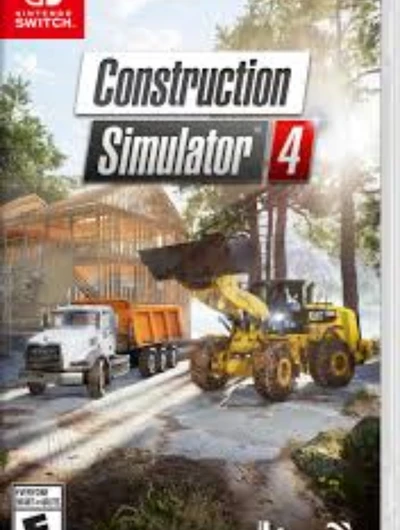
Screenshots
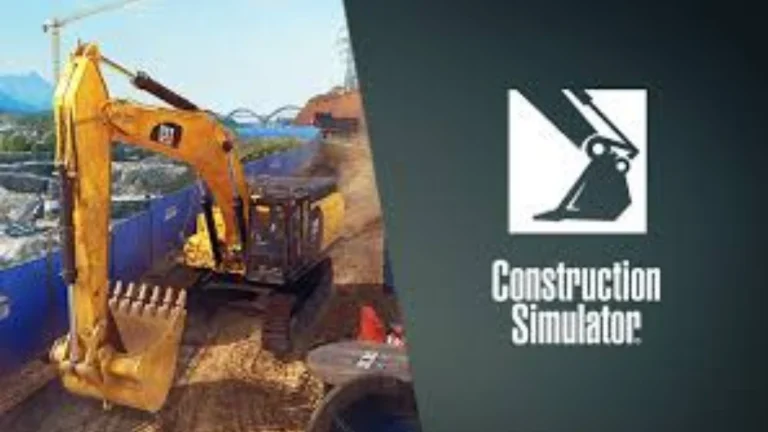
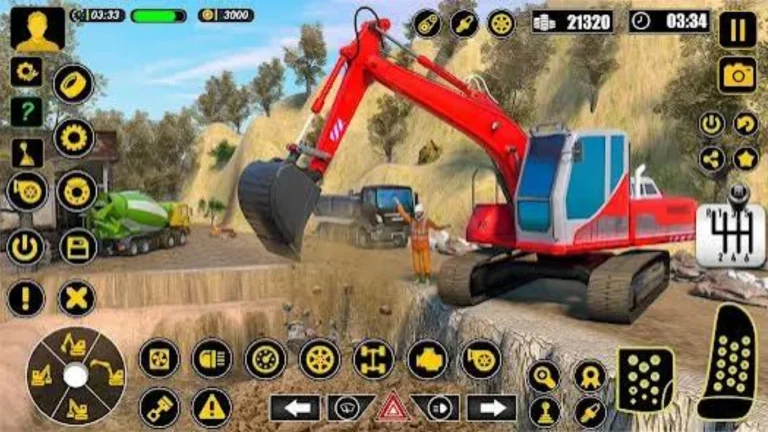
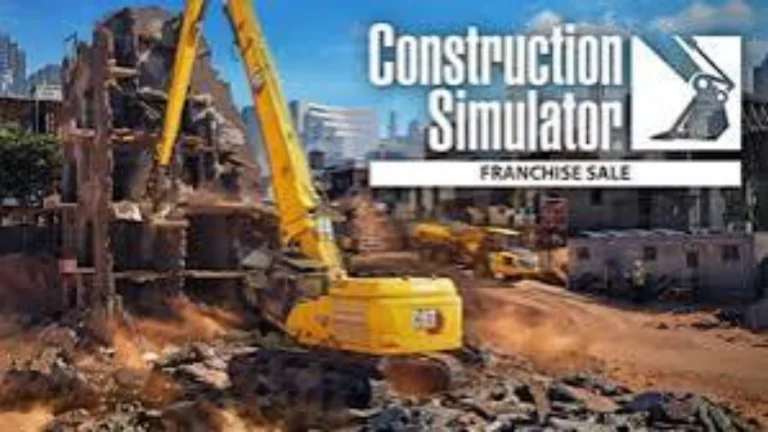
Description:
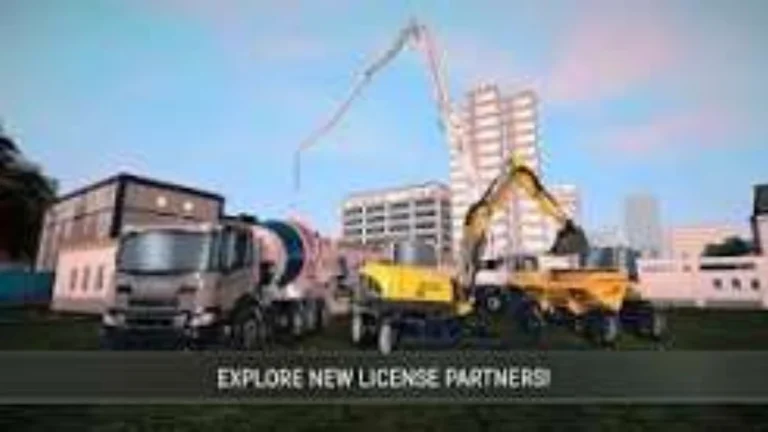
Construction Simulator starts with a series of tutorials in which the player learns to drive the basic heavy machinery equipment in the game, such as trucks and excavators. As the game goes on, the player can select different contracts to build several types of buildings and manage their contractor company. The player can buy new equipment and vehicles (from various manufacturers like Caterpillar, Liebherr, John Deere, etc.) and even hire new labourers.
There are also some familiar names from past games, as well as an entire slew of new, world-class manufacturers—Construction Simulator: Evolution’s licensor list gets a whole new level. This time will also feature big and impressive construction machinery from Ammann, Sennebogen, Volvo Construction Equipment, and others. In total, over 180 officially licensed construction machines from more than 35 renowned brands await on the construction site to demonstrate their strength and dependability.
About Nswpedia.io
Nswpedia.io gives Nintendo Switch players clear game overviews, gameplay details, release dates, screenshots, and setup guides, all in one place. Every page is written in simple words and kept up to date, so you always know what to expect before you play.
⚠️ Disclaimer: This page is for general informational purposes only. All game related copyrights, trademarks, and intellectual property rights belong to their respective owners. Please make sure that your use of this content complies with applicable laws and respects the rights of the respective owners.