Screenshots
Description:
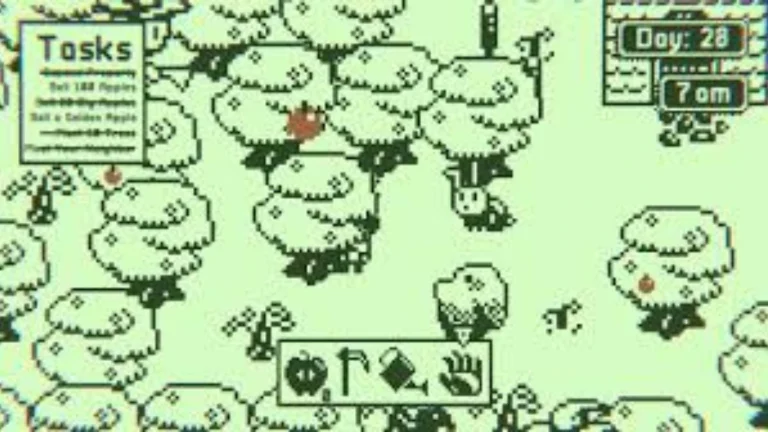
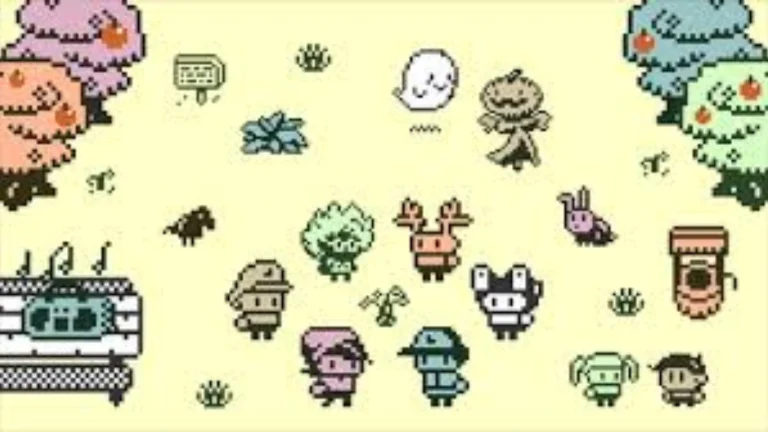
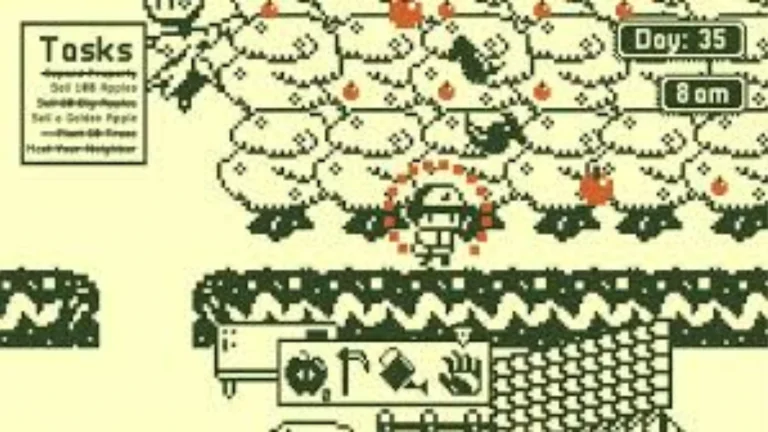
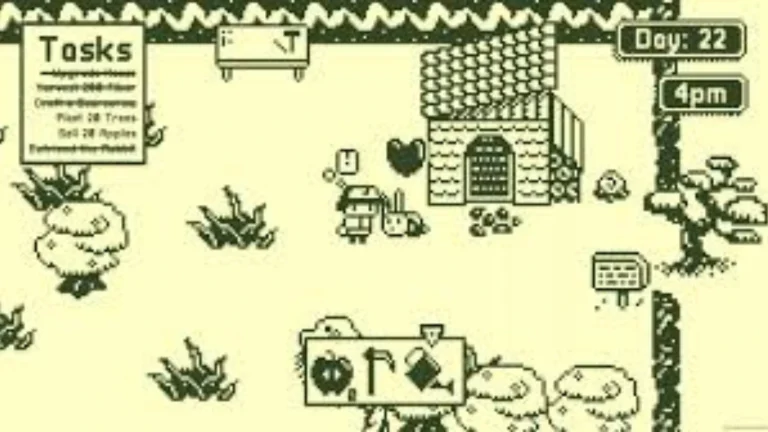
Bit Orchard: Animal Valley is the epitome of a handheld game, in my eyes. Your eyes too – mine are not alone. Why is that? It’s just the right balance of casual gameplay but enough depth and repetition to make you dabble with your orchard at any opportunity. Not a euphemism. The game, as the name alludes to, starts you off as a new owner of an old apple orchard in this 8-bit world. While this, as mentioned, is an “old” orchard, there aren’t really any trees currently planted.
That’s where the initial gameplay comes in. Your job is to grow and tend your orchard, a time-consuming task. Firstly, I was putting them in a row —the best I could, and that was — without doubt — the worst lines I ever had in my life. However, I eventually found the setting that lets you enable grid mode, which makes it easier to organize them. Purchasing the apple seeds inside your home means that they’ll already be at your mailbox by the time you make it outside with speedy delivery that puts Amazon to shame. You plant the seeds, water them daily, and sit and watch as they slowly grow and develop into full trees over about a full in-game week.
About Nswpedia.io
Nswpedia.io gives Nintendo Switch players clear game overviews, gameplay details, release dates, screenshots, and setup guides, all in one place. Every page is written in simple words and kept up to date, so you always know what to expect before you play.
⚠️ Disclaimer: This page is for general informational purposes only. All game related copyrights, trademarks, and intellectual property rights belong to their respective owners. Please make sure that your use of this content complies with applicable laws and respects the rights of the respective owners.