
Screenshots

Description:
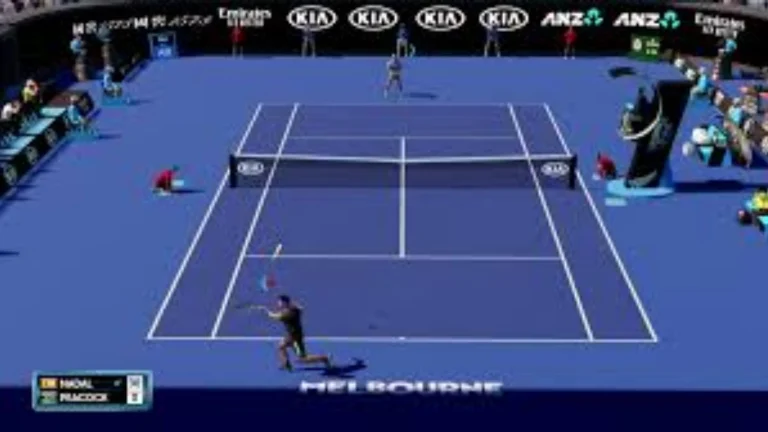
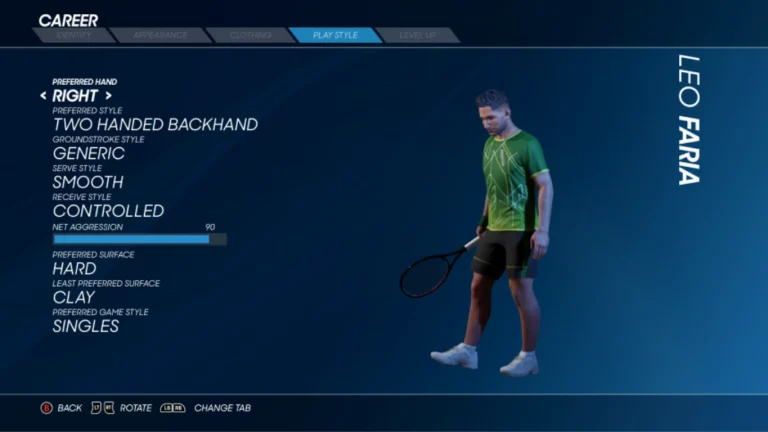
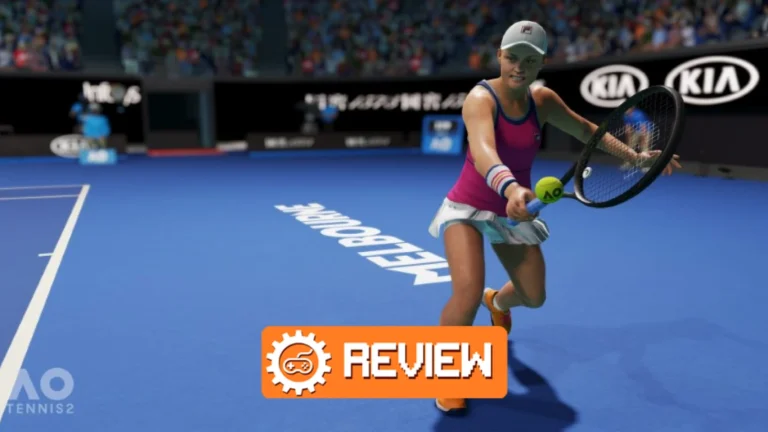
AO Tennis 2 is a tennis simulation game with Nintendo Switch. The one thing that is good about this is that it is one of the few successful games with this theme post Mario Tennis ACE. This game allows players to play the tennis tournament that kicks off the year for professional tennis, the Australian Open. The game also features a rather extensive character customization system, in addition to the pretty simulation action. It enables to make practically any model of a tennis player that you want.
There are numerous improvements to the experience in the Career mode over the previous game. Basically, players can orient their tennis player development according to a certain model through face customization. Many matches are required in this game mode, ranging from semi-professional to up to gain the interest of sponsors for professional development of your character. In AO Tennis 2, the journey to the Grand Slam is a challenging yet rewarding experience.
About Nswpedia.io
Nswpedia.io gives Nintendo Switch players clear game overviews, gameplay details, release dates, screenshots, and setup guides, all in one place. Every page is written in simple words and kept up to date, so you always know what to expect before you play.
⚠️ Disclaimer: This page is for general informational purposes only. All game related copyrights, trademarks, and intellectual property rights belong to their respective owners. Please make sure that your use of this content complies with applicable laws and respects the rights of the respective owners.