
← Back to MIG Switch Game Collection
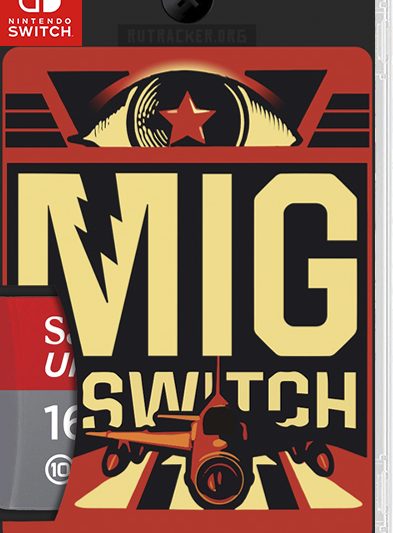
MIG Switch Game Collection 1.0
List of available versions
| FileName | Size | Type |
|---|---|---|
| MIG Switch Game Collection Direct Download | 3.8 TB | XCI |
| MIG Switch Game Collection XCI | 3.8 TB | XCI |
Related ROMs


FAQs
Open your Nintendo Switch emulator, choose File → Load File and pick the downloaded NSP or XCI file. Install prod.keys and the right firmware in the emulator first.
NSZ and XCZ are compressed NSP and XCI files. Decompress them with NSZ Tool, then load them like a normal NSP or XCI.
On a Switch running custom firmware, install NSP files with Tinfoil or DBI Installer. Keep Atmosphere up to date.
If a link does not work, wait a few minutes and try again. If the game will not start, update your emulator and check that its firmware matches the version on the game page.